

 From 1 image
Portraits
A selfie or a family shot that blinks, smiles and turns its head.
Image to video AI
Bopframe is an image to video AI that turns a photo, drawing or product shot into a short video with sound. You describe the motion; it makes a new clip and does not edit footage you upload.
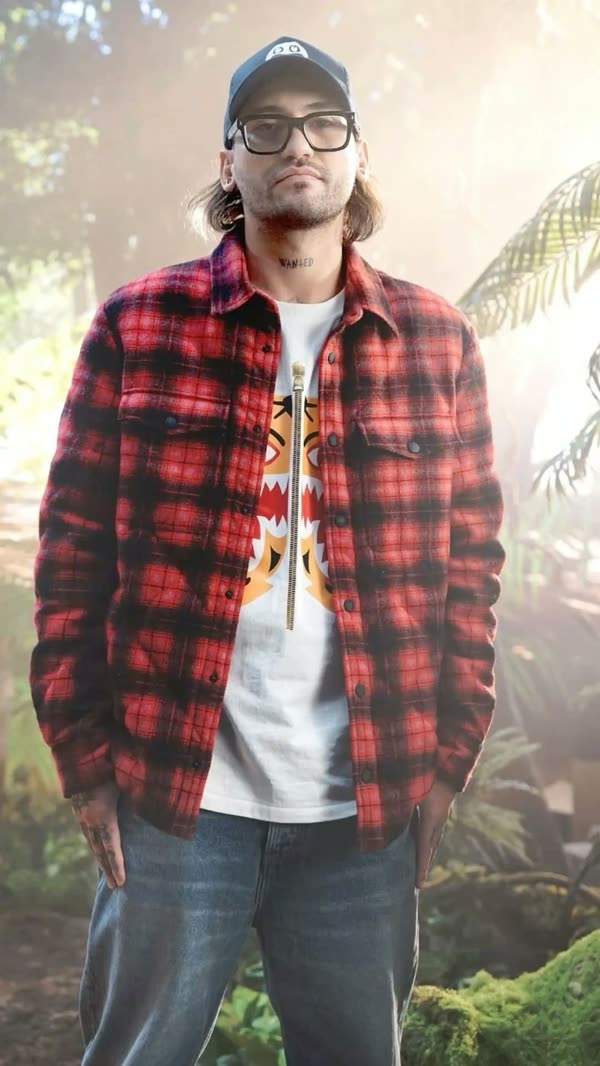
 From 2 images
Two images become a rap duet under one mic, with a new beat and verse made for the clip.
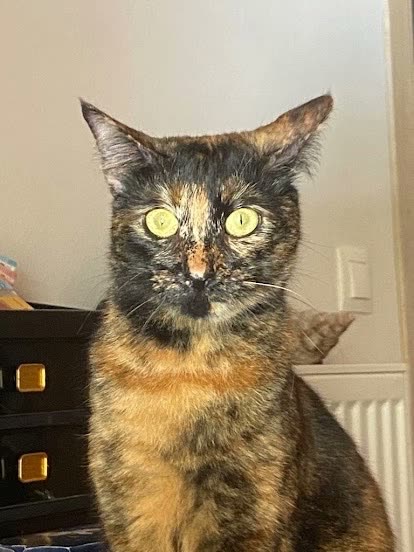
 From 2 images
Your cats or dogs take over a dance clip, each one in its own spot.
 From 1 image
A wedding or family photo from decades ago moves again, with its old film look kept.
 From 1 image
The candles go out, the family sings and the moment plays again whenever you want it.
From 1 imageA selfie or a family shot that blinks, smiles and turns its head.
 From 1 image
Your dog or cat moving the way it does in real life, or doing something it never would.
A short ad clip for a shop or a social post. This one started from a prompt alone, no image.
 From 1 image
Drawings, anime frames and AI art that move in their own style.
 From 1 image
A faded family portrait where grandparents look up and smile again.
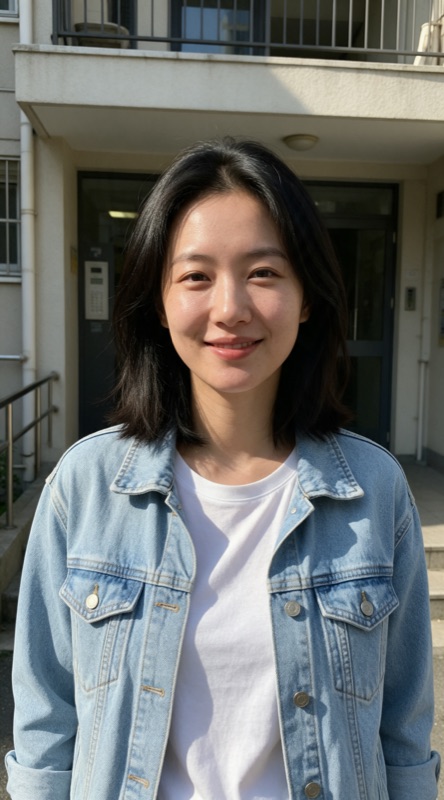
 From 2 images
Friends from two different images meeting in a place neither was.
A portrait, a pet, a product or a drawing. The image to video AI keeps what is in it.
Say what moves, how the camera moves and what the scene sounds like.
Choose vertical, wide or square. The image to video AI renders the clip; download the MP4.
| Image to video AI | Slideshow maker | AI video editor | |
|---|---|---|---|
| Starts from | One or more still images and a prompt | A set of images | Footage you filmed |
| You get | New footage that moves, with sound | The same images with pans, zooms and music | Your footage, cut, captioned or cleaned up |
| Best when | Bringing a shot, pet, product or artwork to life | Albums, recaps and memorial videos | Polishing clips you already have |
| Not ideal when | Long videos or editing your own footage | When you want the subject itself to move | When all you have is a still image |
Fit and limits
A tool that animates a still image. You upload a photo, drawing or product shot, describe the motion, and the model generates new frames and sound that start from your image.
Yes. Both names describe the same kind of tool. Bopframe adds generated sound to every clip, which many image to video generators leave silent.
Your first video is free when you sign in with Google, up to 15 seconds long. Prices are shown before you pay, and a video that fails after it starts gives its credits back automatically.
To make a video, yes: sign in with your Google account. You can pick images and write the prompt first, and they stay in place after you sign in.
Yes, and you should. The prompt says what moves, how the camera moves and what it sounds like. Without one the result is a guess.
Yes. Illustrations, anime frames and AI-generated images work as well as camera shots, and the clip keeps their style.
Yes, up to 4. Refer to each in the prompt: “the dog in image 1 runs to the woman in image 2”.
Yes. Leave the image out and describe the whole scene; the prompt alone becomes a text to video clip.
Nudity or sexual content, real public figures, anyone under 18, anyone who did not agree to be shown, and videos meant to deceive or harass. Images and prompts are checked before a video is made, and there is no unrestricted mode.
They are used only to make your video, never to train AI models, and deleted 30 days after upload.
Yes. Choose 9:16 for vertical feeds. You own the videos you make, subject to the rights of anyone shown in them. Label posts as AI-generated where the platform asks.
No app to install. It runs in the browser on your phone or computer, and you download each clip as an MP4.